
Tracking And Improvement: How To Diagnose And Fix Underperforming Affiliate Content
Publishing content is only half the job. The other half, often ignored until income stalls, is tracking and improvement: measuring what’s actually happening after a visitor arrives, clicks an affiliate link, and reaches a merchant, then turning those observations into practical changes. Traffic can look healthy while commissions quietly disappear, and a single broken link can sit unnoticed for weeks, costing real money every day it stays live.
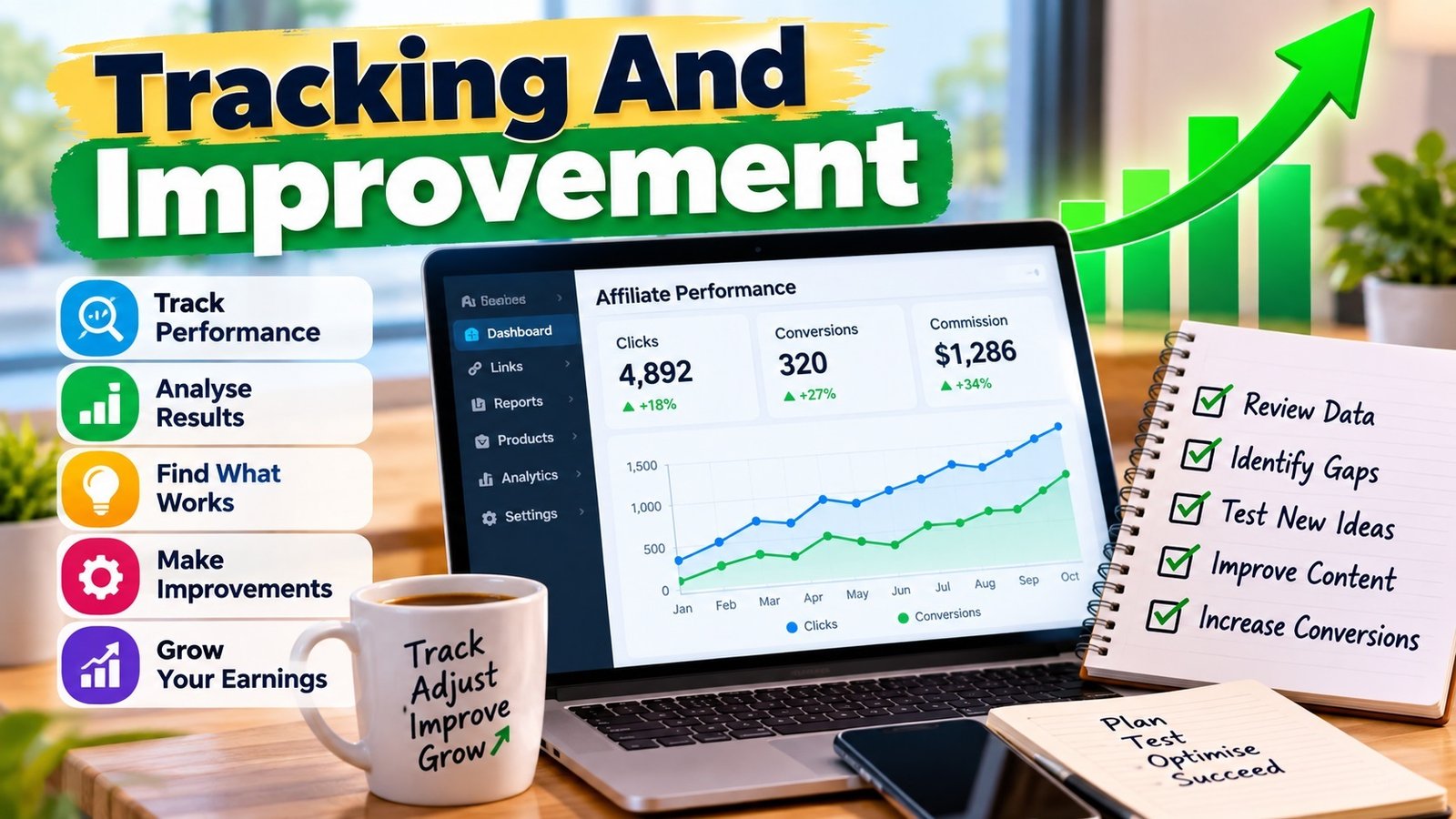
The objective isn’t simply to generate more clicks; it’s to understand the complete journey from content discovery to affiliate conversion, and to continuously improve the parts of that process you can actually control. This guide covers the metrics worth watching, the most common problems that silently drain affiliate income, and a repeatable workflow for fixing what’s already published instead of only chasing new content.
What Is Tracking And Improvement In Affiliate Marketing?
Tracking and improvement means measuring important affiliate activities, identifying performance patterns, and making informed changes based on the data rather than guessing why a page isn’t producing commissions. Without reliable tracking, it’s easy to spend time improving pages that already perform well while overlooking pages with real untapped potential.
- Identify which pages are actually receiving affiliate clicks
- Discover which products are attracting the most interest
- Find pages that get traffic but produce very few clicks
- Detect unexpected changes in commissions early
- Identify broken or incorrectly configured affiliate links
- Measure the real impact of any content changes you make
Affiliate Marketing Analytics Basics
Before you can improve anything, you need a baseline understanding of what your numbers mean. Affiliate marketing analytics basics start with three core figures: how many visitors see a page, how many click your affiliate links, and how many of those clicks turn into a sale or lead. Different affiliate networks define and calculate these figures slightly differently, so it’s worth understanding each program’s reporting methodology rather than assuming they’re all measuring the same thing the same way.
- Page views: how many people actually land on the content
- Affiliate clicks and click-through rate: how many visitors interact with your links, and what share of visitors that represents
- Conversion rate: the percentage of clicks that result in a sale or lead
- Commission revenue: the income attributed to qualifying affiliate activity
- Earnings per click (EPC): average revenue generated per 100 clicks sent, useful for comparing offers against each other
- Average order value: how much the typical referred customer spends
Reading Affiliate Dashboard Metrics
Reading affiliate dashboard metrics correctly is a skill in itself, since every network displays the same underlying data slightly differently. Most dashboards separate clicks, conversions, pending commissions, and approved commissions into different views, and conflating them is one of the most common beginner mistakes. Pending commissions can still be reversed due to refunds or cancellations, so treating them as guaranteed income before they’re approved will distort your real performance picture. When reviewing a dashboard, compare similar time periods instead of reacting to one unusual day, since daily numbers can fluctuate due to traffic levels, attribution rules, refunds, or tracking delays.
Questions to Ask When Reviewing Your Dashboard
- Are clicks increasing or decreasing over a comparable period?
- Are conversions changing at the same rate as clicks, or diverging from them?
- Which specific products generate the most commissions?
- Have commissions changed while traffic remained stable?
- Are refunds materially affecting reported earnings?
- Has the affiliate program changed its terms or attribution rules recently?
- Check pending versus approved commissions separately, not as one combined total
Tracking Affiliate Link Clicks
Tracking affiliate link clicks at the page level, not just the site level, is what turns analytics from a vague overview into an actionable troubleshooting tool. Most affiliate networks only tell you how many clicks an offer received in total, not which specific article, button, or comparison table sent them. Using a link management tool or UTM parameters on each outbound link lets you see exactly which pages drive clicks and which ones are being read but ignored.
- Use a link cloaking or management plugin to track clicks per article
- Tag links with UTM parameters so clicks show up clearly in your analytics platform
- Track the specific product or merchant, the link’s placement on the page, and the type of call to action used
- Monitor click-through rate by page, not just by site-wide average
- Segment clicks by device type, since mobile and desktop behavior often differ significantly
Avoid relying exclusively on raw click numbers. A page can generate many clicks while producing very few commissions, so the relationship between clicks and conversions is usually more useful than clicks alone.
Clicks But No Affiliate Sales: Why It Happens
Clicks but no affiliate sales is one of the most frustrating patterns in affiliate marketing, because it means your content is working, the rest of the journey isn’t finishing the job. Clicks alone never guarantee a commission: a visitor may click and decide not to buy, purchase later through a different channel, or complete an action the merchant doesn’t count as commissionable.
- The merchant’s landing page has a poor or confusing checkout experience
- The product is out of stock or discontinued but the link still appears live
- Pricing has increased significantly since you last reviewed the offer
- The visitor was researching rather than ready to buy, or the offer didn’t match their intent
- The affiliate attribution window expired before the purchase happened
- Tracking is broken somewhere between your click and the merchant’s confirmation
Before changing everything on your site, investigate where the conversion process appears to break down. Look at individual pages, products, and traffic sources rather than treating the entire site as one single measurement.
Attribution Mismatch Troubleshooting
Attribution mismatch troubleshooting becomes necessary when your own click data and your affiliate dashboard’s commission data don’t line up the way they should. Some difference is normal, since analytics platforms and affiliate networks can use different tracking methods, attribution windows, cookie rules, time zones, and reporting definitions. A significant, consistent gap, though, usually points to a genuine tracking issue rather than a lack of buyer interest.
- Confirm your affiliate link uses the correct, current tracking ID for your account
- Check whether redirects are altering or stripping the affiliate URL
- Test the link yourself in an incognito browser to confirm it redirects correctly and sets a cookie
- Check whether the merchant’s cookie policy allows cross-device tracking, since a mobile click followed by a desktop purchase may not get credited
- Check for ad blockers or browser privacy settings that could be stripping tracking parameters
- Compare reporting periods and time zones, and look for delayed conversion reporting
- Review whether another affiliate’s link was clicked afterward, since last-click attribution can reassign the sale
- Contact the affiliate program directly when a persistent tracking issue remains unexplained
Sudden Commission Drops: Causes
Sudden commission drops can be alarming, but they almost always trace back to one of a handful of causes rather than a mysterious decline in your content’s quality. A decline in commissions doesn’t necessarily mean your website has failed.
The following could be some of the reasons…
- The affiliate program changed its commission structure or rates without prominent notice
- A previously ranking page lost search visibility due to an algorithm update
- The merchant paused or ended the affiliate program entirely
- Seasonal demand genuinely dropped for the product category
- Tracking or cookie settings changed on the merchant’s site, breaking attribution
- Product availability problems or increased competition in search rankings
- Refunds or cancelled transactions reducing previously reported earnings
Compare traffic, clicks, conversion rate, and commissions together rather than looking at commission alone. If traffic is stable but conversions have declined, the underlying problem is likely different from a situation where traffic, clicks, and conversions have all dropped at once.
Broken Link Monitoring System
A broken link monitoring system is one of the simplest investments that directly protects revenue, since a dead affiliate link earns nothing no matter how much traffic the page receives. Links break for reasons entirely outside your control: products get discontinued, merchants restructure their URLs, or affiliate programs shut down without warning. Manually checking every link becomes impractical as a site grows, which is exactly when an automated system matters most.
- Use an automated link checker tool to scan your site on a regular schedule
- Watch for links returning error pages, redirects that no longer reach the intended destination, and incorrect or incomplete affiliate URLs
- Prioritize checking your highest-traffic and highest-earning pages first
- Set up alerts so broken links are flagged quickly rather than discovered by chance
- Keep a simple log of replaced or redirected links to track patterns over time
- Review affiliate program status periodically, since a program can end even when the link still technically loads
Content Updates For Higher Clicks
Content updates for higher clicks are often more cost-effective than publishing new articles, since the page already has rankings and traffic; it just isn’t converting that traffic as well as it could. Updating an article doesn’t simply mean adding more words. Look at search intent, content structure, product relevance, and the placement of your calls to action.
- Make sure the introduction clearly addresses the visitor’s actual problem
- Refresh outdated pricing, specifications, and product availability information
- Add clearer, more prominent calls to action near the most-read sections of the page
- Update aging screenshots, comparison tables, and product images
- Expand thin sections that fail to answer common buyer questions, and remove irrelevant recommendations
- Add a current year to the title and content where relevant, if the page is a “best of” or review format
Measure performance before and after making significant changes. This gives you a much better chance of identifying which specific improvements are actually associated with increased engagement.
Split Testing Call To Action Placement And Wording
Split testing call to action elements is how you move from guessing to knowing what actually drives clicks. Even small wording or placement changes can produce meaningful differences in click-through rate on high-traffic pages. A call to action might be a text link, a button, a product recommendation, or a comparison-table link, and each is worth testing in its own right.
- Test button text variations, such as “Check Price” versus “See Latest Deal”
- Test call-to-action placement, comparing above-the-fold against end-of-article positioning
- Test button color and size against your site’s existing design
- Test a comparison table against individual product links to see which drives more clicks
- Run one variable at a time so you can clearly attribute any change in performance
- Let tests run long enough to reach a meaningful sample size before drawing conclusions
A Practical Tracking And Improvement Workflow
Tracking and improvement works best as a repeatable process rather than a one-time activity.
Step 1: Establish Your Baseline
Record your current traffic, affiliate clicks, conversions, and commissions so you have a clear reference point for future comparisons.
Step 2: Identify Opportunities
Find pages with significant traffic but low affiliate engagement, pages with strong clicks but weak conversions, and pages where commissions have changed unexpectedly.
Step 3: Investigate the Cause
Check your analytics, affiliate dashboard, links, content, and merchant information. Avoid making major changes until you have a reasonable explanation for the performance problem.
Step 4: Make a Controlled Improvement
Improve content, update product information, repair links, or test a different call to action based on the specific problem you identified, changing one meaningful variable at a time where practical.
Step 5: Measure the Result
Compare performance after the change against your baseline. Keep whatever worked, and continue testing the areas where further improvement still looks possible.
Frequently Asked Questions
Why am I getting clicks but no affiliate sales?
This usually points to an issue after the click rather than before it, such as a poor merchant checkout experience, a broken tracking link, an out-of-stock product, a mismatched offer, or an expired attribution window.
How do I know if an attribution mismatch is happening?
Compare your own click tracking data against the clicks and conversions shown in the affiliate dashboard. A significant, consistent gap between the two suggests a tracking issue worth investigating, rather than normal variance between two different reporting systems.
What’s the most common cause of a sudden commission drop?
Program or commission rate changes made by the merchant are extremely common, followed closely by lost search rankings. Comparing traffic, clicks, and conversions together, rather than looking at commission alone, is usually the fastest way to narrow down the cause.
How often should I check for broken affiliate links?
A monthly automated scan is a reasonable baseline for most sites, with more frequent checks on your highest-earning pages, since a broken link there costs the most in lost revenue per day. Larger sites with hundreds of outbound links benefit even more from scheduled, automated checks over manual review.
Is split testing worth doing on a small site?
It can be, though smaller sites need more traffic and time to reach meaningful results. On lower-traffic sites, focus split testing efforts on your highest-traffic pages first to get a reliable signal faster, and avoid declaring a result from a very small number of visitors.
Why might my website analytics and affiliate dashboard show different click numbers?
Different platforms can use different tracking methods, attribution windows, cookie rules, time zones, and reporting definitions, and some systems filter or process traffic differently. Small discrepancies are normal; large, persistent ones are worth investigating.
